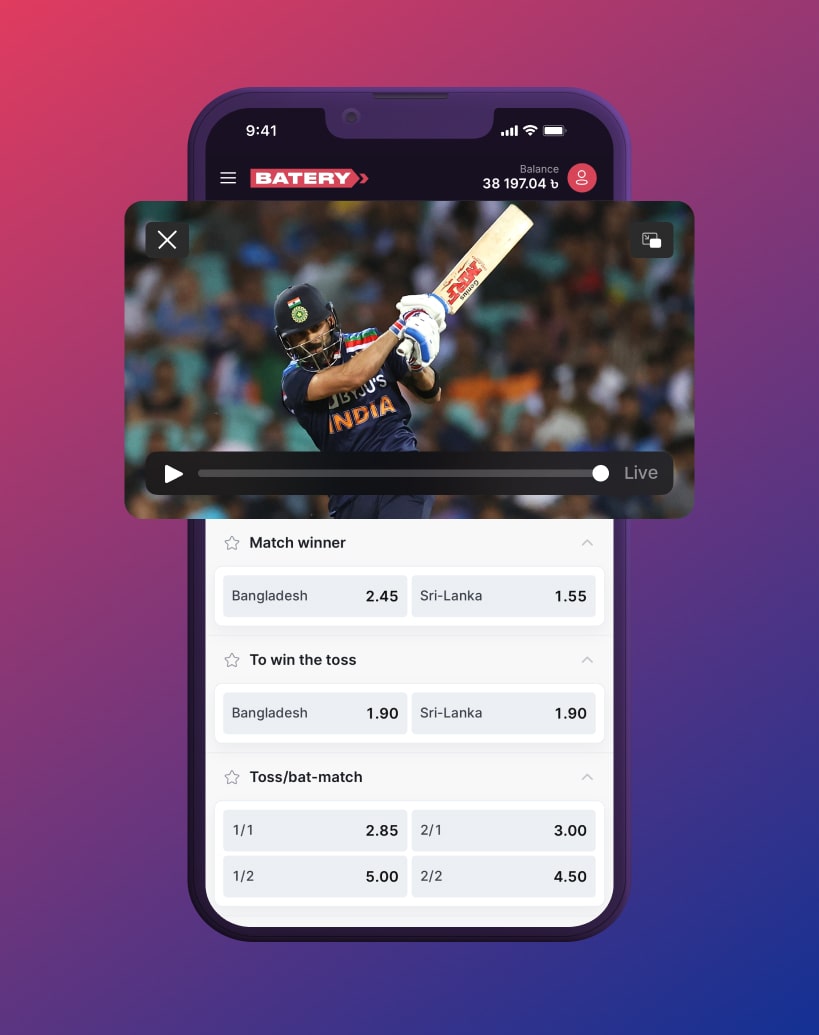

Web application for iOS
You get all the same features and functionality as the mobile app, but with the added convenience of not having to install any software on your device.
How to install:
- Simply launch the Safari browser and enter the provided URL into the address bar.

Simply launch the Safari browser and enter the provided URL into the address bar.
- Look for the Share icon located in the bottom navigation menu and tap it.

Look for the Share icon located in the bottom navigation menu and tap it.
- Choose the 'Add to Home Screen' option and confirm by clicking the Add button.

Choose the 'Add to Home Screen' option and confirm by clicking the Add button.

Just scan the QR code with your phone's camera to be taken directly to our mobile site.