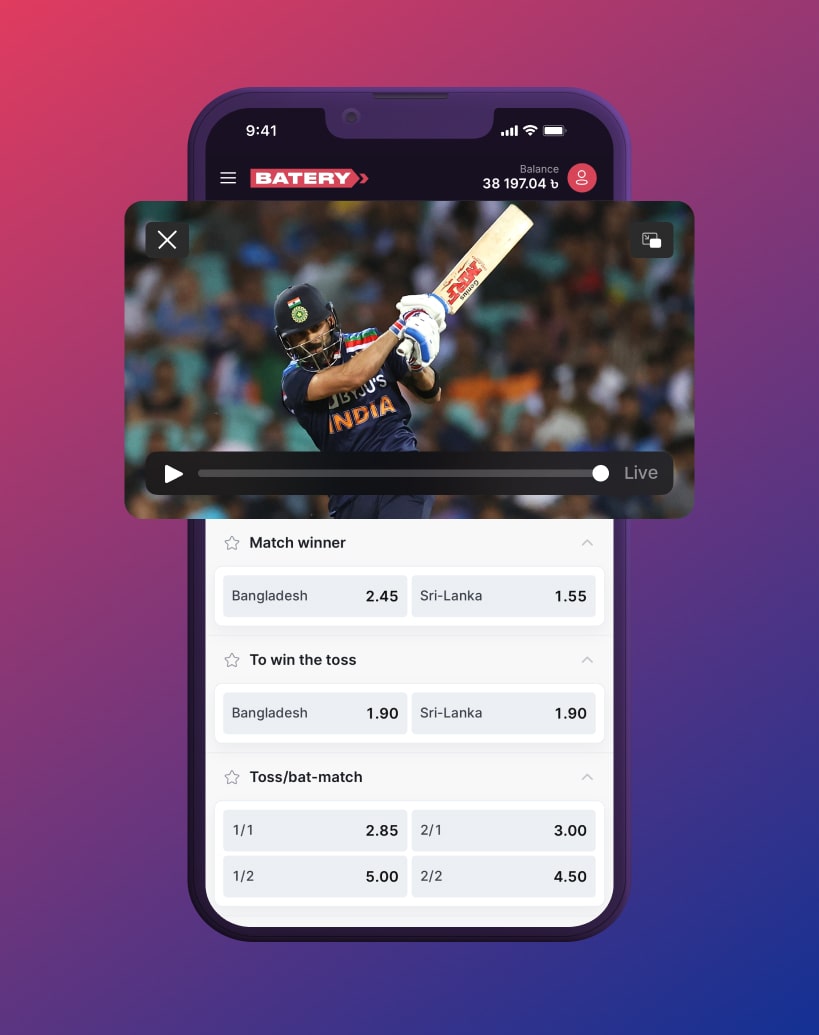

Web application for iOS
You can enjoy all the same features as the app through your mobile browser, which is often more convenient since it requires no installation.
How to install:
- Simply launch Safari and enter the provided link into the address bar.

Simply launch Safari and enter the provided link into the address bar.
- Tap the Share icon located in the bottom menu of your screen.

Tap the Share icon located in the bottom menu of your screen.
- Choose the 'Add to Home Screen' option and confirm by clicking the Add button.

Choose the 'Add to Home Screen' option and confirm by clicking the Add button.

Just scan the QR code with your phone's camera to go straight to the mobile site.